Product deep dive
From Monday planning to Sunday live.
FaithFlow brings service planning, presentation, songs, media, ministry libraries, outputs and controlled cloud sync into one operating model built for churches.
FaithFlow brings service planning, presentation, songs, media, ministry libraries, outputs and controlled cloud sync into one operating model built for churches.
A single workflow for the people preparing the service, the volunteers operating it, and the ministry leaders keeping assets organized.
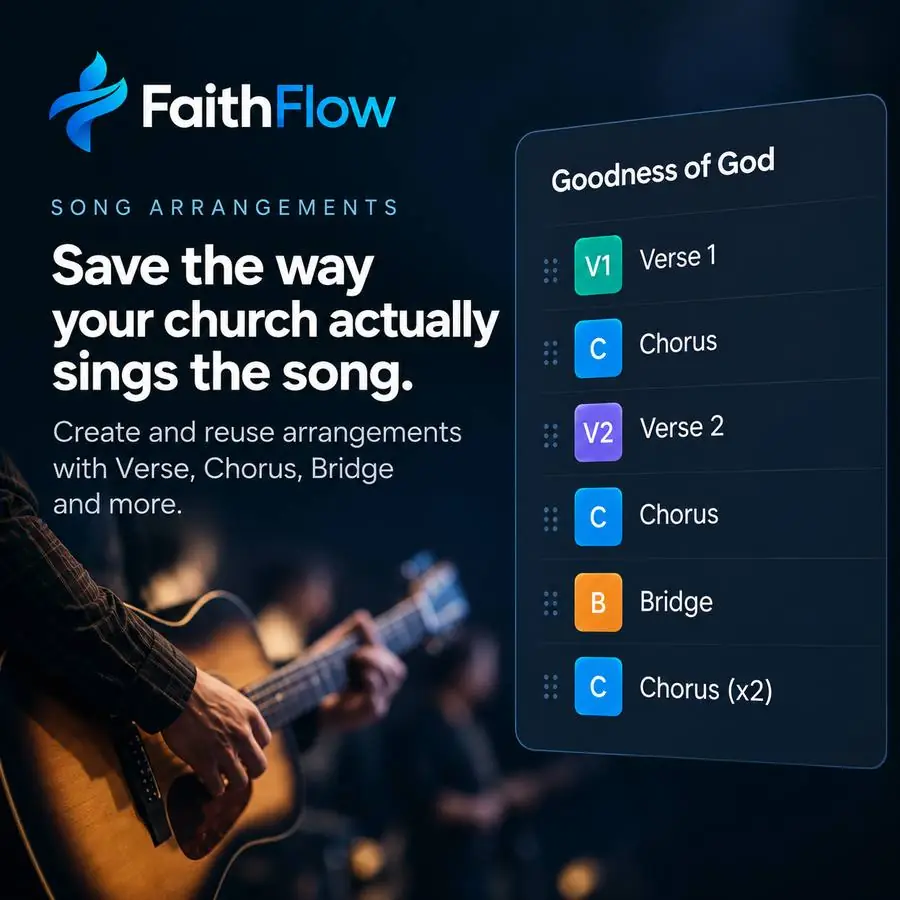
Plan the service, queue songs, attach media and see what is still missing before the room fills up.
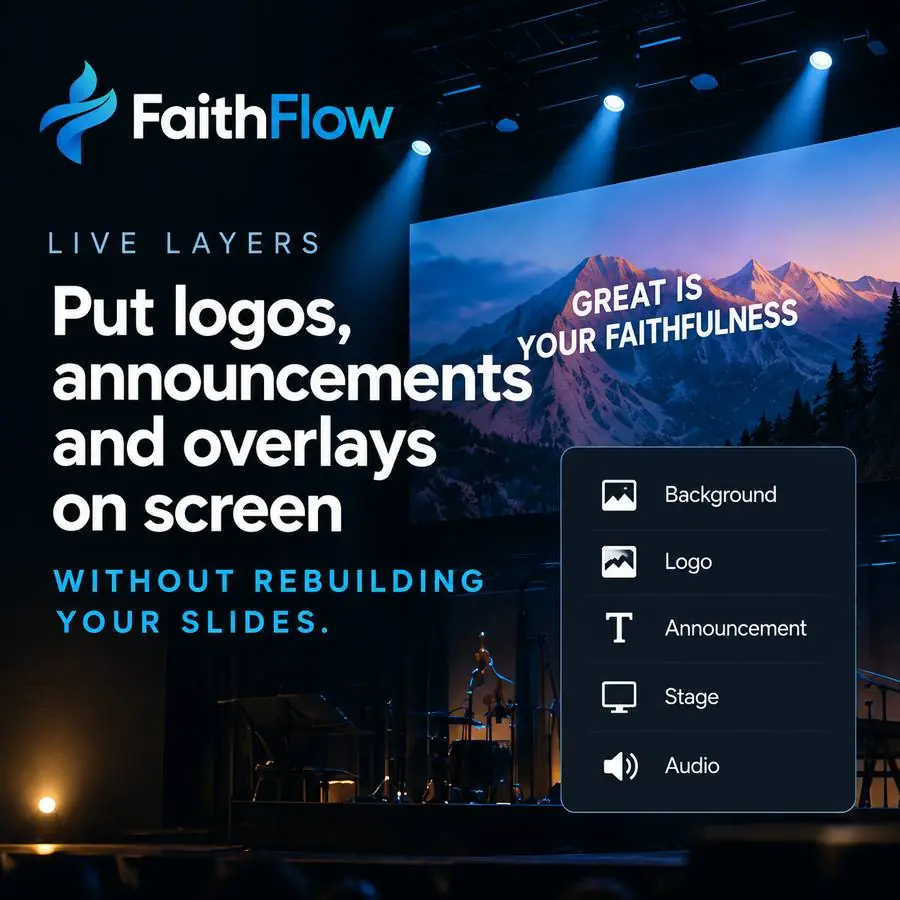
Move from planning into live presentation with layers, outputs and the controls an operator actually needs during service.
Keep shared songs, motion backgrounds, logos and ministry media available across congregations while preserving local workspaces.
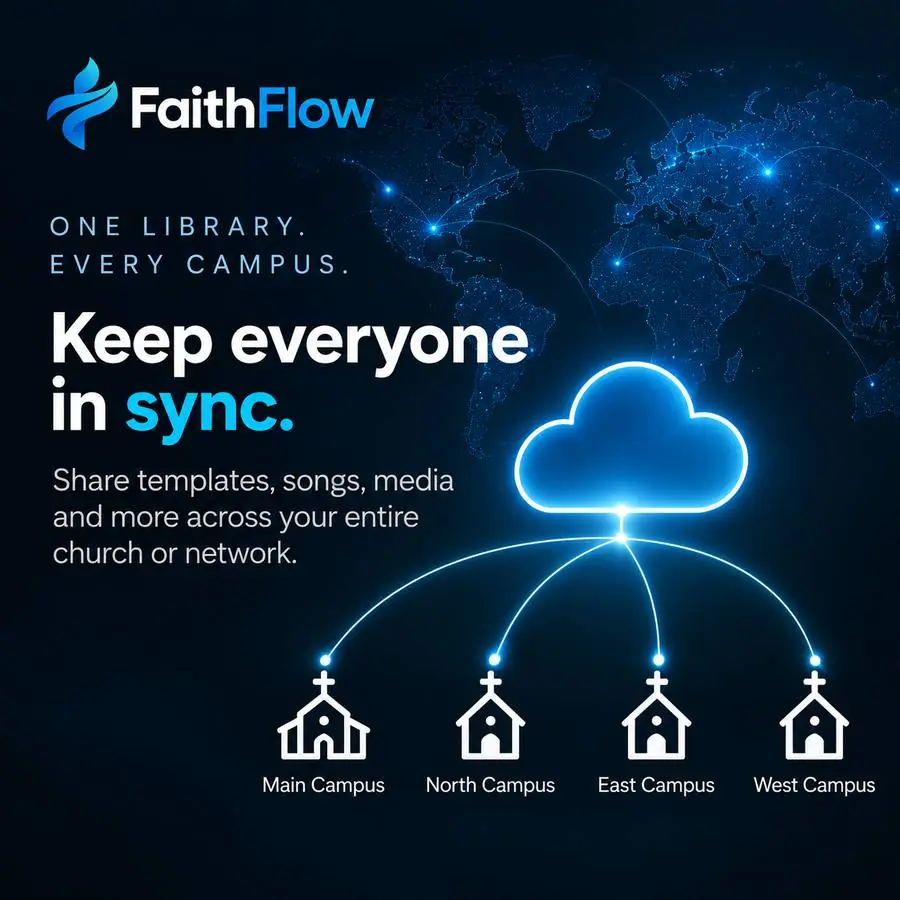
Switch workspaces while preserving ministry-wide shared assets.
Prepare main screen, confidence and operator views from one service model.
Local service operation is not dependent on a perfect Sunday internet connection.
Clear status, large controls and fewer places to get lost.
A consistent workflow across the computers churches already use.
Designed for future AI assistance, asset processing and ministry workflows.
The public site, Early Access flow and account/integration controls use fluid grids and breakpoints instead of shrinking a desktop page into a phone.
FaithFlow will not treat a connected Drive as an unlimited bucket. The user chooses the folders or files that become available to the software and can disable them later.
Join the early-access list to test FaithFlow with a real church team and help shape the product before launch.
Join Early Access