Product

Prepare. Present. Organize.

FaithFlow is built around six places your team already thinks in: Home, Prepare, Live, Library, Outputs and Settings. The web portal handles your account, downloads and plan.

Prepare with confidence

Build services from songs, Scripture, media and presentations, with your team. Service edits never damage your Library original.

Run Live safely

Preview, Program and TAKE. Nothing airs until you say so, and FaithFlow recovers your service after a crash.

Works offline

Your service runs on your computer. Losing the internet never stops what is on screen, and sync never changes what is on air.

What you get today

Free is a whole service, not a trial.

Everything below ships in the app today. Starter adds the design, media and stage tools; Plus adds team members, sync and more screens; Pro lifts the limits.
Free

  • Public-domain Scripture built in (Bíblia Livre, KJV and RV1909), plus import your own translation
  • Live with Preview, Program and TAKE, with recovery after a crash
  • Live that reshapes for small windows: a larger slide grid, with Preview, Program and TAKE side by side
  • The app in English and Português
  • Right-click menus and a native menu bar
  • Automatic updates
  • Import from ProPresenter, PowerPoint (.pptx and .ppt), Keynote, OpenDocument (.odp) and OpenLyrics
  • PDF import, one slide per page
  • People and roles on this computer, and a device list, in Settings
  • A Library organized by source and folder, with the pictures inside a presentation kept with it
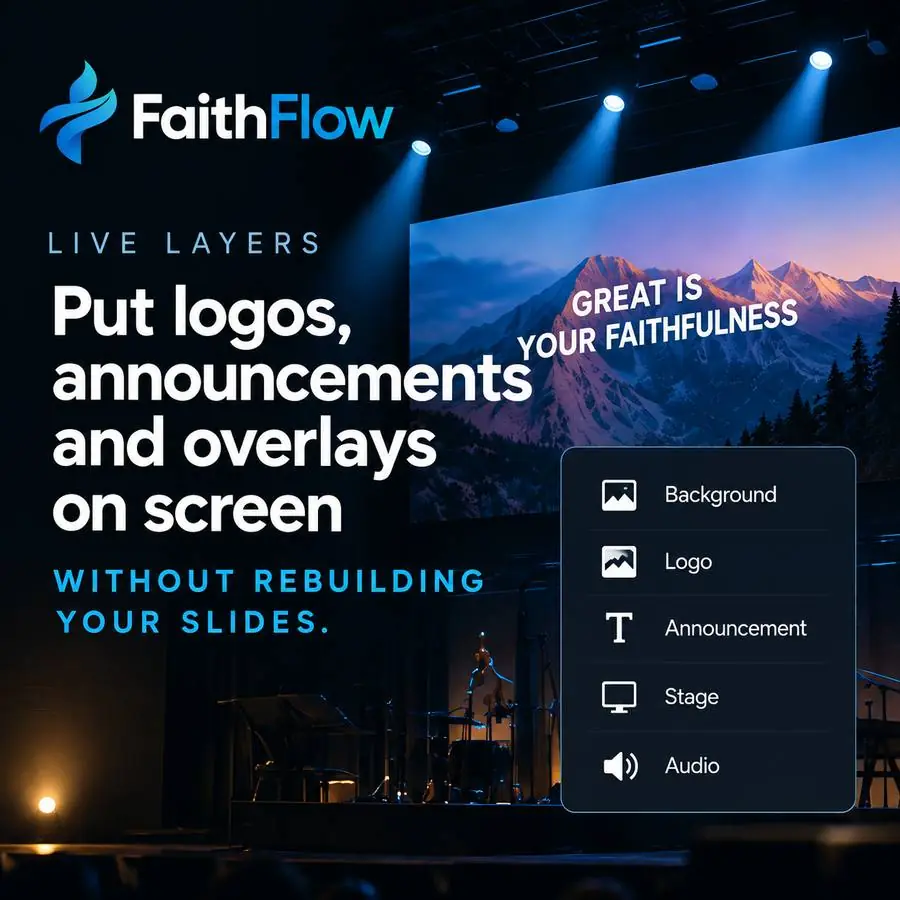
  • Clear by layer (slide, background, all) with restore, plus your church logo and announcements above the slides
  • Timers: countdown, count to a time and stopwatch (the stage display is part of Starter)
  • Back up everything to one .faithflow file and restore it, with the last 20 saved versions of each presentation
  • A song usage report for CCLI: counts by date range, exported as CSV

Starter adds

  • Stage display for the band and the preacher, with a layout editor to build it from boxes
  • Full slide design: images, video and shapes
  • Media library with grid view and watched folders — including Google Drive for desktop folders
  • Video with sound and a cross dissolve, and media straight to the screen: put a picture or video on screen without a slide
  • Background music in Live: play, pause, volume and fade, with audio files in the Library
  • Google Drive import
  • Bring a Google Drive folder in three steps: copy your FaithFlow address, share the folder with it (or use a link-shared folder), paste the link
  • Sync folders: a folder on your computer (Google Drive for desktop, OneDrive, Dropbox) feeds the Library
  • Song arrangements

Plus adds

  • Team members with roles: three people sign in on their own computers and use the plan with the role you give them
  • Two-way Library sync with a folder on your computer or a Google Shared Drive; when two people change the same item, you choose
  • Services shared with your campus: share one in Prepare and it appears on every campus computer, never changing what is on air by itself
  • Up to four stage screens, each with its own layout, and a broadcast lower-third output for your stream or video mixer
  • A phone remote on your church Wi-Fi, paired with a PIN: Next, Back, TAKE, Black and Bible to Preview

Pro lifts the limits

  • Unlimited team members and computers
  • Priority support
See all plans
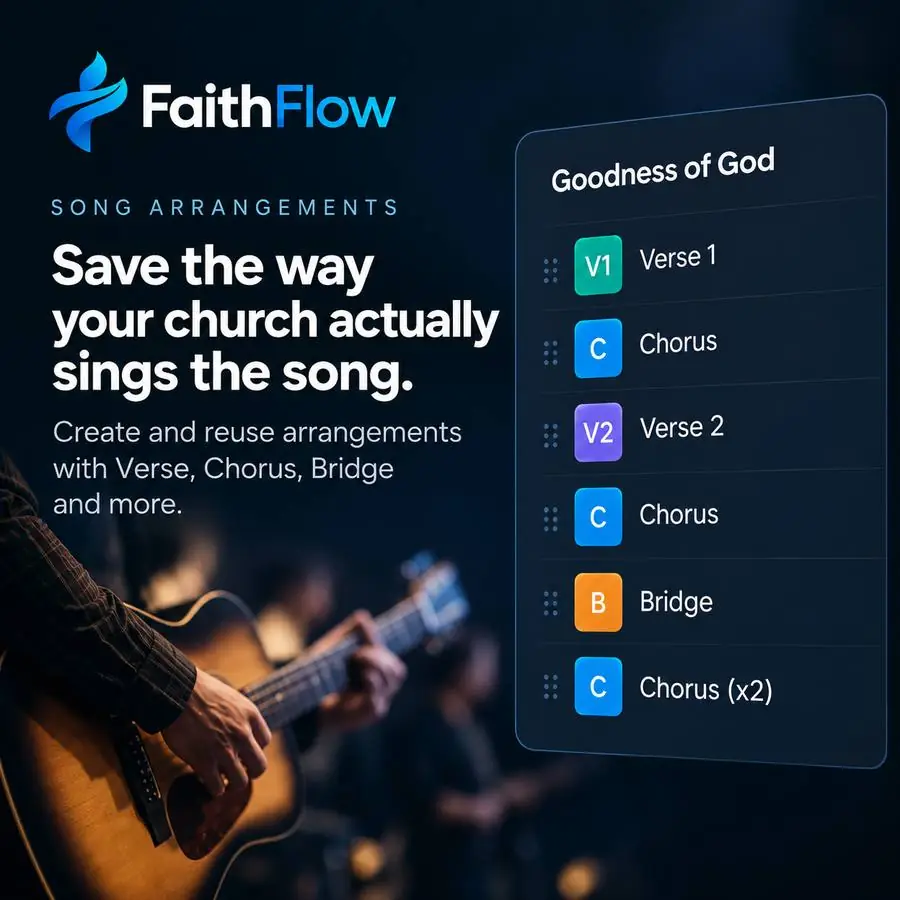
FaithFlow song arrangement: Verse 1, Chorus, Verse 2, Chorus, Bridge, Chorus repeated

Song arrangements

Save the way your church actually sings the song.

Verse, Chorus, Bridge — arrange once, reuse every Sunday. Repeat a chorus without duplicating slides.
  • Arrangements saved with the song
  • Slides split automatically from lyrics
  • Import existing presentations
Illustration of a worship slide on a large stage screen, with a panel listing slide layers.

Live you can trust

Preview first. Air only when you say so.

Cue the next slide in Preview and put it on screen only when you press TAKE. Editing Preview never touches what is on air.

  • Preview and Program always obvious
  • Stage display for the band and preacher (Starter)
  • Black the screen with one key

Office computer

  • Welcome & announcements
  • Amazing Grace
  • Grace that leads us home
  • Missions update (video)

Shared with the campus. Signed by the Office computer.

Sound booth computer

On air: Amazing Grace, slide 2 · Still on air, unchanged

Updated on another computer

Sunday service has new items from the Office computer. What is on air did not change.

  • Welcome & announcements
  • Amazing Grace

If two computers changed the same item, it goes to a review screen: keep mine, use theirs or keep both. Plus and Pro. Changes that cannot be verified are held, never applied.

Sync, never a surprise

Every campus computer in step. Nothing changes on air.

Share a service and it appears on every computer of the campus. The service on air never changes by itself: you see “Updated on another computer” and choose when to load it.

  • Every change is signed by the computer that made it
  • Conflicts go to a review screen: keep mine, use theirs or keep both
  • Plus and Pro. Multi-campus administration for Pro is coming

Start simple

Create your account and download FaithFlow Free.

No credit card. Upgrade only when your ministry needs more.

Create free account