One volunteer can run Sunday
Cue the next slide in Preview, press TAKE when the moment is right, black the screen with one key. Timers count down, count to a time, or run as a stopwatch.

For small churches
One volunteer, one computer, no budget needed. FaithFlow Free runs your lyrics, slides and Scripture with Preview and TAKE — and stays on screen even if the internet drops.
Early-access build — installers are not yet code-signed; Windows build is in testing. How to install
Cue the next slide in Preview, press TAKE when the moment is right, black the screen with one key. Timers count down, count to a time, or run as a stopwatch.
macOS or Windows, with your projector or TV as the main output. Unplug a display and the output hides, then comes back on its own.
Free runs a whole service — no credit card, no time limit. Add a stage display or a second computer only when your ministry needs it.
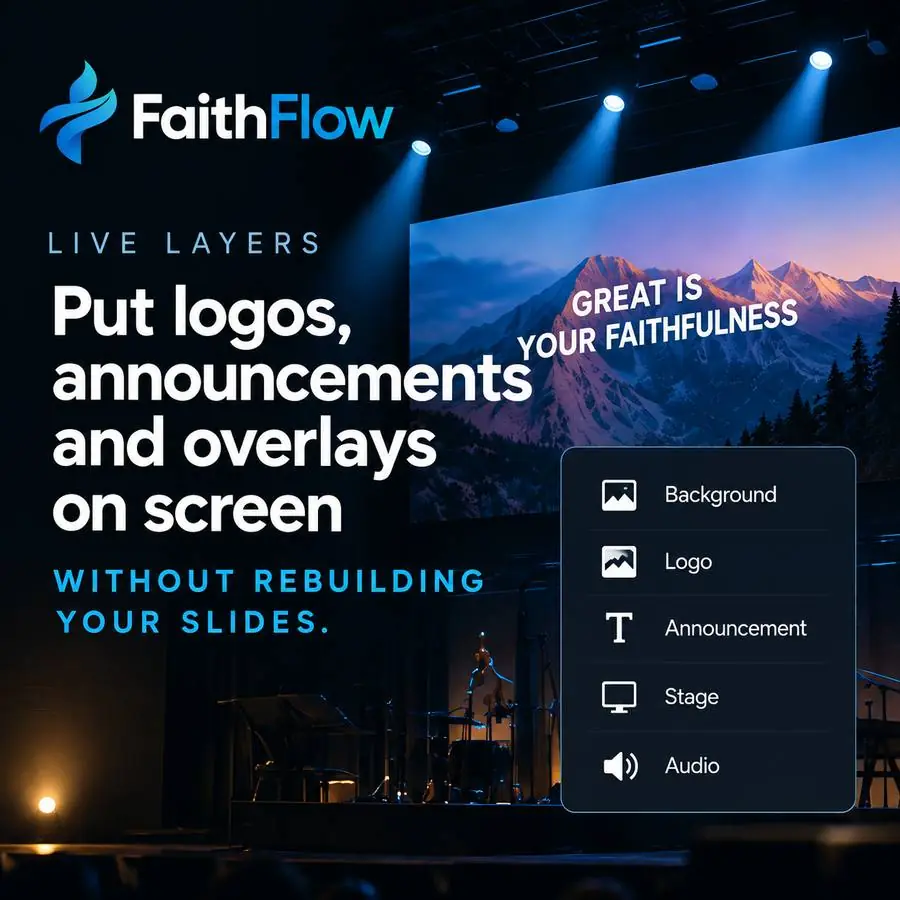
Live you can trust
Cue the next slide in Preview and put it on screen only when you press TAKE. Editing Preview never touches what is on air.
Start free; every paid plan keeps Free's whole service and adds more screens, people and tools.
What you get today
Everything below ships in the app today. Starter adds the design, media and stage tools; Plus adds team members, sync and more screens; Pro lifts the limits.
The Live screen shows Preview, Program and TAKE side by side, so a new volunteer sees exactly what is on screen and what comes next. Nothing airs until they press TAKE.
Free runs a whole service — 200 library items on 1 device — with no credit card and no time limit. Paid plans start at $9 a month.
A Mac or Windows computer and something to project on. The congregation sees one main output; the stage display for the band comes with Starter.
Your service runs on your computer, so losing the internet never stops what is on screen.
Start simple
No credit card. Upgrade only when your ministry needs more.